

See the whole shelf.
Discover models across Ollama, LM Studio, and the Hugging Face cache. Keep their sources in view.
Thoughtfully made for your Mac
Local AI, made to fit.
Find the right AI models for your Mac.
Know what fits before you download.
Made for the Mac you have
Know what will run well on your Mac, and why. Bonsai turns your hardware and your task into a thoughtful next step.
See how it works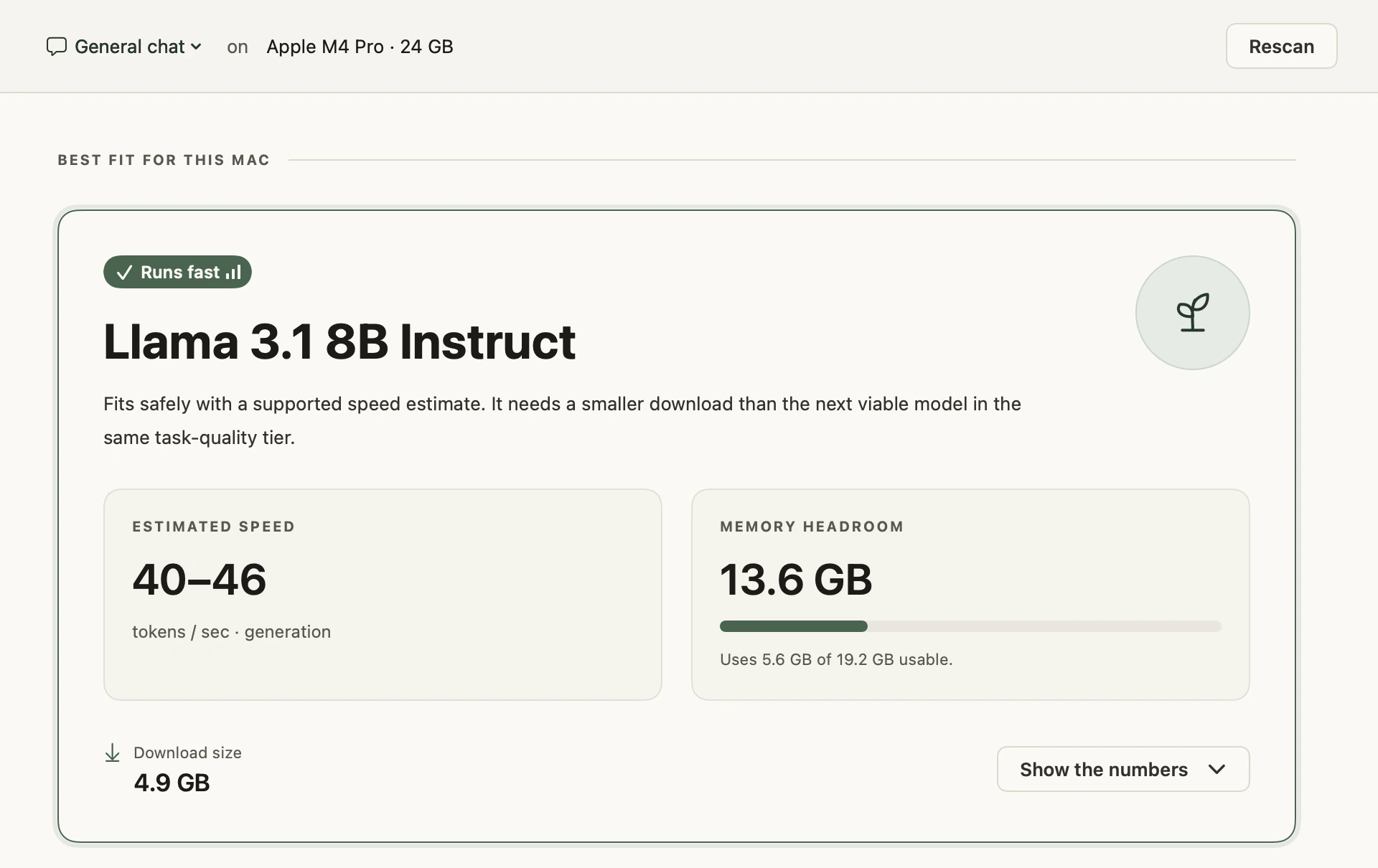
Less trial. Less error.
Model sizes. Memory limits. Quantization. You shouldn’t need an afternoon of research to get started. Bonsai turns what your Mac can do into a clear next step.
01 / A considered recommendation
Built around your hardware.
Informed by what you want to do.
Step 01
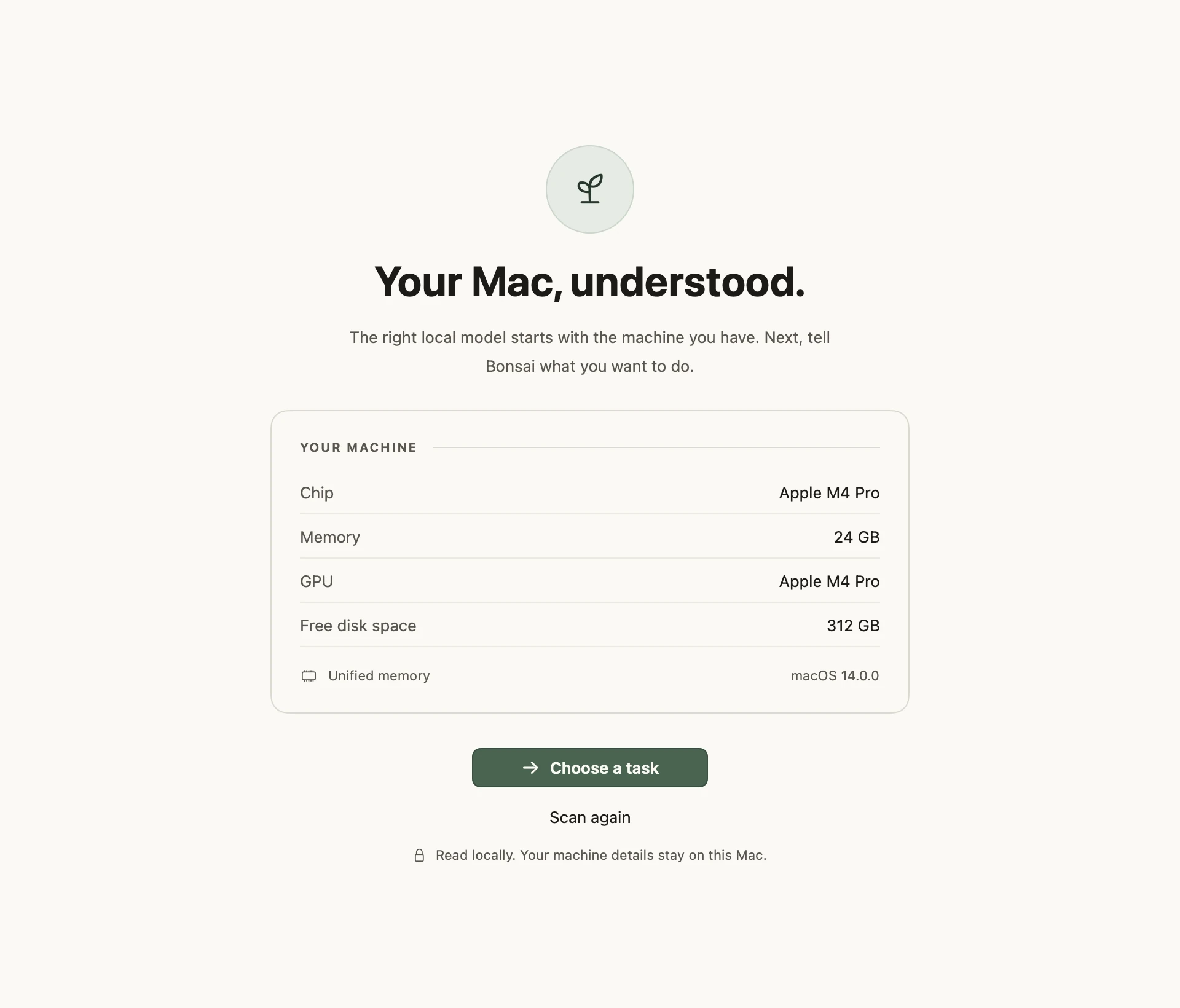
Bonsai reads your chip, memory, and available storage. It builds a picture of your machine before a single model is downloaded.
Step 02
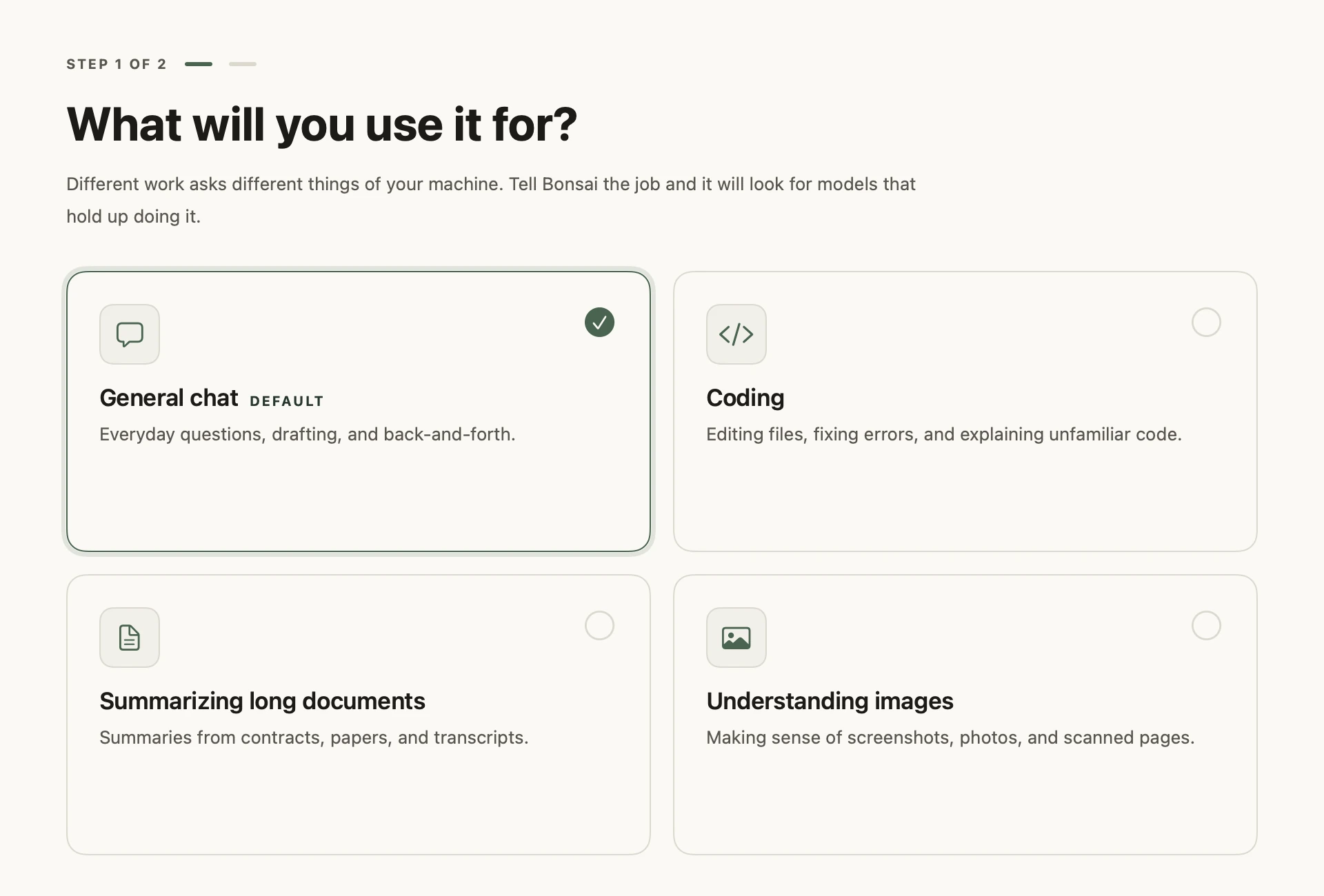
Everyday questions, coding, long documents, or images. Tell Bonsai what matters, and the shortlist changes with your needs.
Step 03
See how a model fits, what to expect, and why it was selected. When the evidence isn’t strong enough, Bonsai says so.
02 / Install & validate
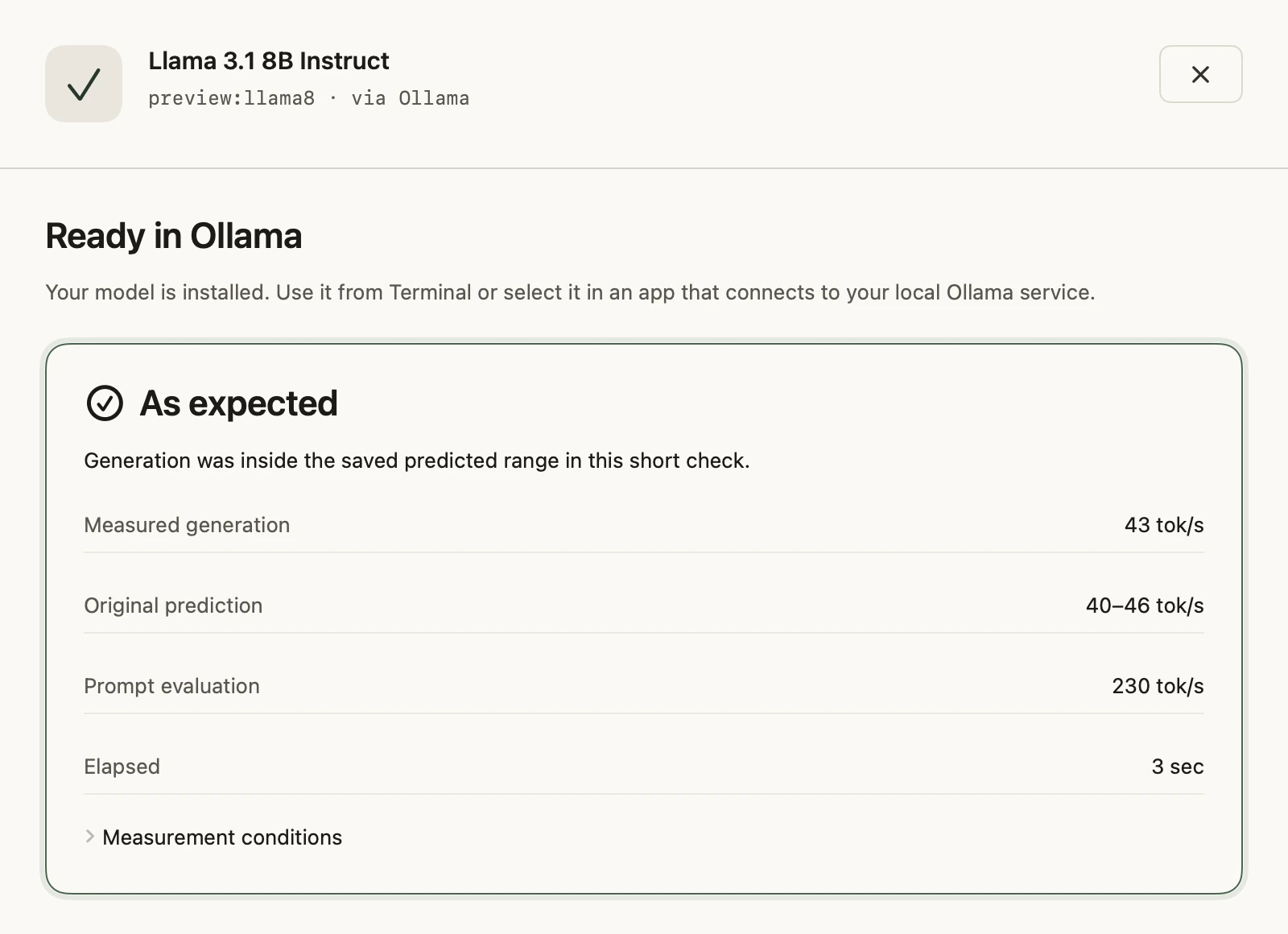
Install through Ollama, then run a short check on your Mac. Compare what was predicted with what actually happened.
No second-guessing the download. No hunting for the next step.
03 / A little order
Different tools. Different folders. One clear picture of what’s on your Mac.
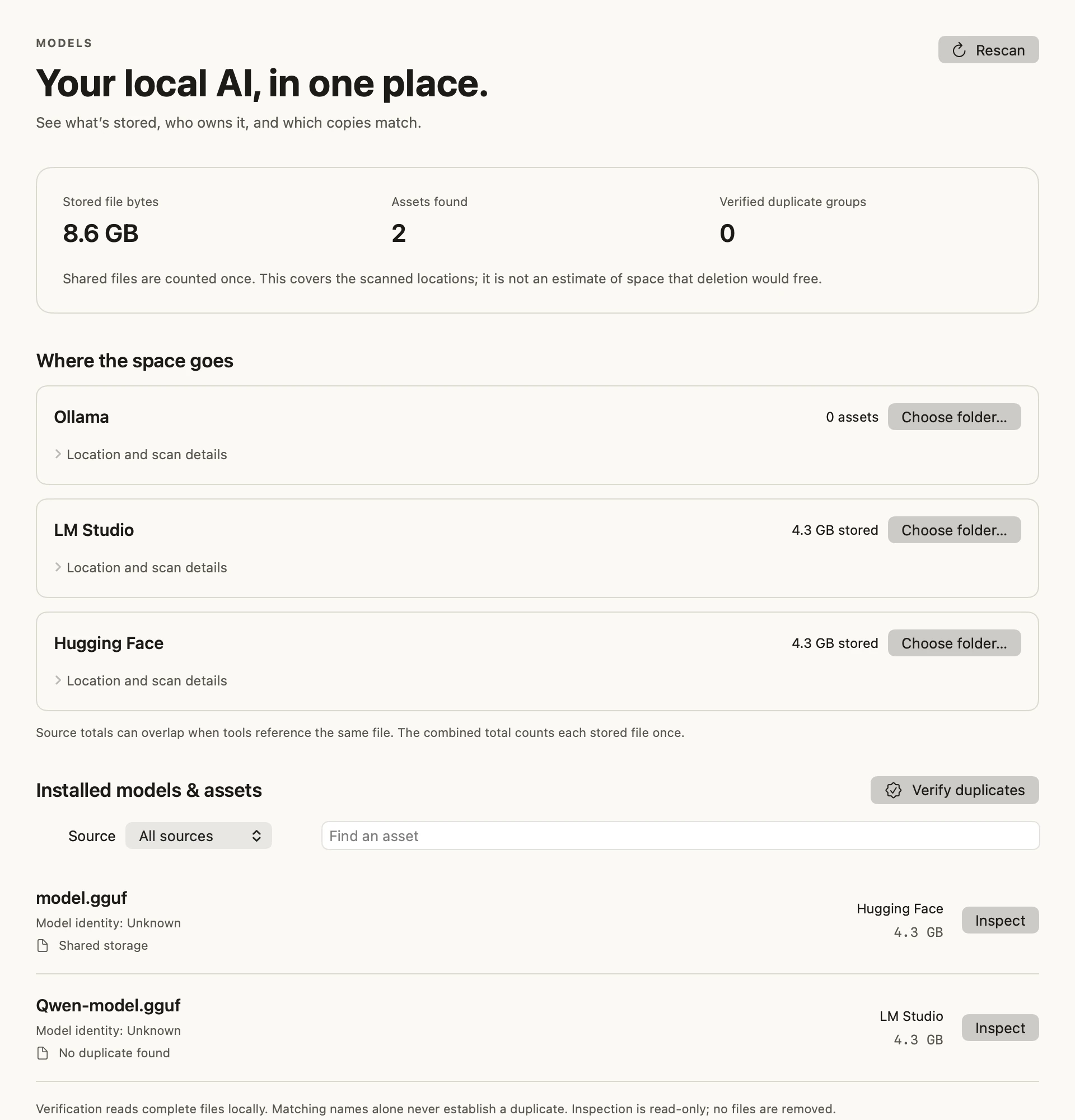
Discover models across Ollama, LM Studio, and the Hugging Face cache. Keep their sources in view.
See what’s stored and where. Shared files are counted once, so the picture stays honest.
Verify matching copies by content. Review supported cleanup actions before anything is removed.
Your say, always. Nothing is deleted automatically.
There when you need it.
Quiet when you don’t.
04 / Quietly keeping watch
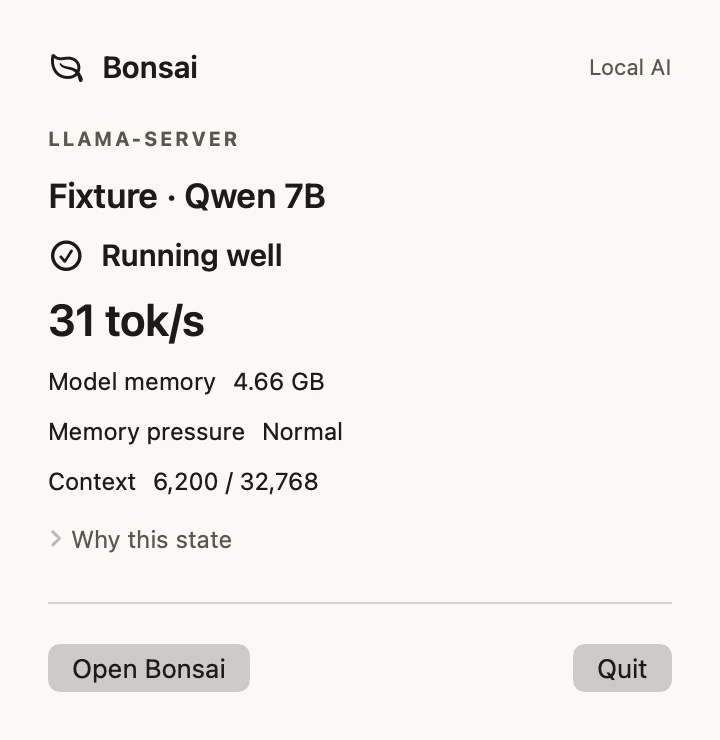
Keep an eye on your active model and the readings your runtime exposes. Bonsai puts useful context close at hand, even when the main window is closed.
Available readings vary by runtime. Missing metrics stay missing.
05 / Room to grow In development
Bonsai is being built to revisit your saved task as its model catalog improves—and let you know when a meaningfully better fit comes along.
A useful nudge. Only when there’s a reason.
Catalog updates are not active in the current build.
The Bonsai way
Room to grow.
Space to think.
Local AI doesn’t have to mean running the biggest model. It means finding the right balance of capability, speed, and the machine you already own.

Bonsai’s core work happens locally. Your model files, prompts, and inventory aren’t sent to a backend for basic operation. The app has no analytics transport.
This preview site includes an early-access signup form (provided by Kit). The hosting service may process standard requests and access logs.
Pricing
Find the right model for free. Upgrade when you want Bonsai to manage, monitor, and maintain your local AI setup.
Bonsai Free
$0
Find out what local AI actually fits your computer.
Download FreeNo credit card required.
Recommended
Bonsai Pro
$29 $39
Early Access price · $39 regular
One purchase. Bonsai 1.x is yours. No subscription.
Get Bonsai ProA few good questions
The right model. The right space.
Make local AI feel at home on your Mac. Get early access to Bonsai.
or take a closer look In development for macOS 14+.